Check-Up homeCHECK-UPEDUCATION
YOUR GAME STARTS HERE

MORE GAME.
LESS GUESSWORK.

Your courts. Your crew. Your next move.
Learn everything you can do with Check-Up—one play at a time.

Find your next move
50 visual guidesMultiple screens in every guide
THE BASKETBALL NETWORK / FIELD GUIDE 01
Check-Up profile showing real public basketball post imagery
Rankings and badge collection in the current Check-Up app
BUILT FOR YOUR GAMETeams. Leagues. Rankings. And you.
App + web, explainedCurrent app screens · filled examplesLearn by doing
START WITH SOMETHING YOU WANT TO DO

WHAT’S YOUR NEXT MOVE?

Pick your task, follow the screens, then try it in Check-Up.

01 / YOUR STARTING FIVE

HOW DO YOU SHOW UP?

Pick your perspective. You can always switch sides.

02 / THE FULL PLAYBOOK

EVERY FEATURE.
YOUR NEXT MOVE.

Find the how-to. See the steps.
Put it into play.

50 guides
App
App
Both
Both
App
App
App
App
App
Both
App
App
Both
App
App
App
Both
App
Both
App
Both
Web
App
App
App
App
App
Both
App
Both
App
App
App
App
App
App
App
App
App
App
App
App
App
App
Both
Both
App
Both
Both
Both
03 / GOOD TO KNOW

QUICK ANSWERS.
CLEAR NEXT STEPS.

Basketball has enough moving parts.
Your app shouldn’t be a mystery.

Can I book without downloading the app?

Yes, the public host booking page supports web booking. You can browse offerings in a browser; sign-in is required when you submit through that booking flow.

Why do I see different buttons on someone else’s profile?

Your own profile has editing and personal activity controls. Visitors see public information and eligible actions such as Follow, messaging or Book Me. Ownership and permissions affect what is available.

Is a pass the same as a reservation?

No. A pass or membership provides the access listed in its terms. You may still need to reserve a specific available session or time.

Does “requested” mean I am booked?

Not yet. A request can require host approval, and payment processing is a separate state. Check the actual reservation status before making plans.

Are these screenshots from the app?

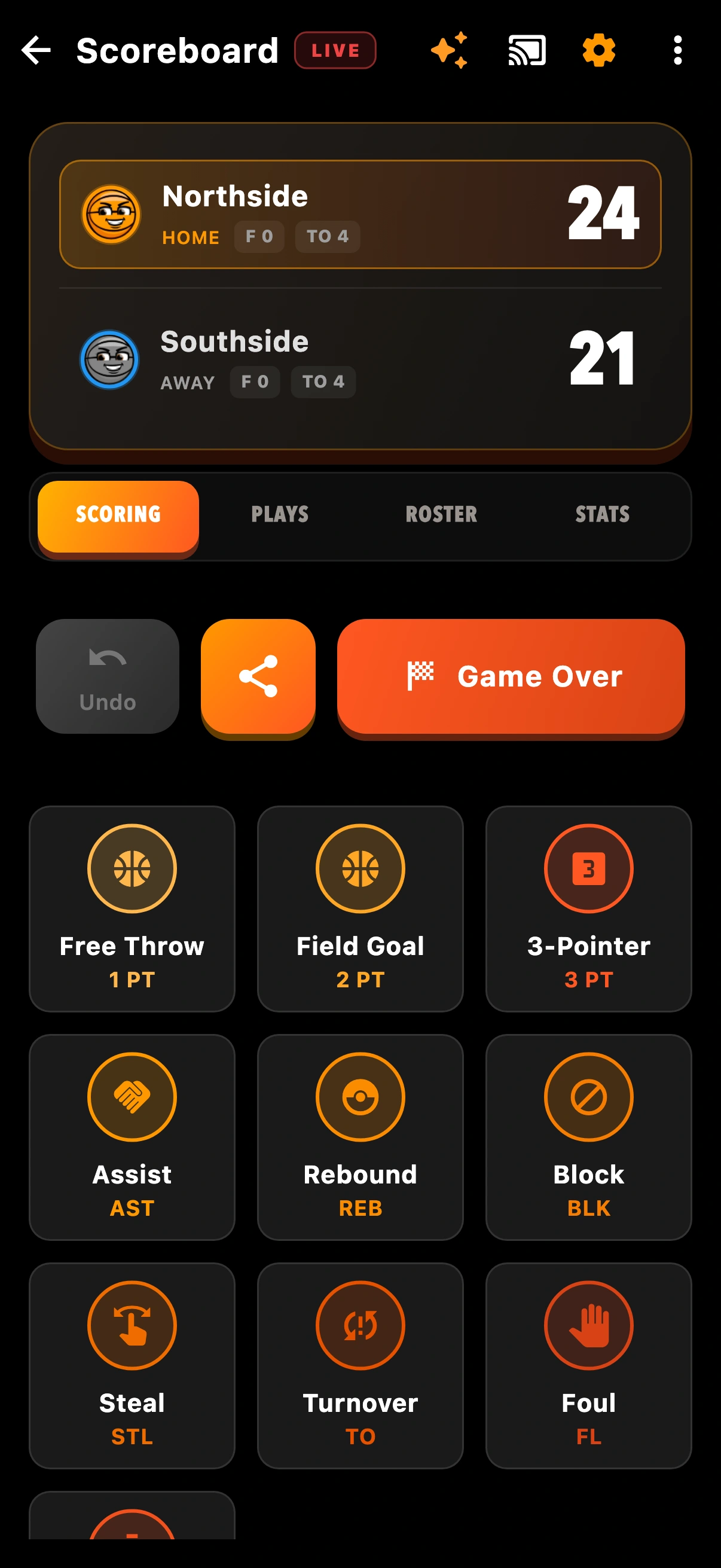
Yes. The captured screens are rendered from the current Flutter source with local demonstration data. Public Check-Up profile and post imagery appears alongside clearly labeled example activity. Private messages, payment details and customer records are not used. Some fonts and device-dependent controls can differ from your iPhone.

Where does my learning progress go?

Saved guides and completion are stored in this browser on this device. Clearing browser storage resets them. Marking a guide complete does not change your app account or award game points.

WE’RE IN YOUR CORNER

STILL NEED AN ASSIST?

Tell us where you’re stuck. We’ll help you find the next step.

Contact Check-Up